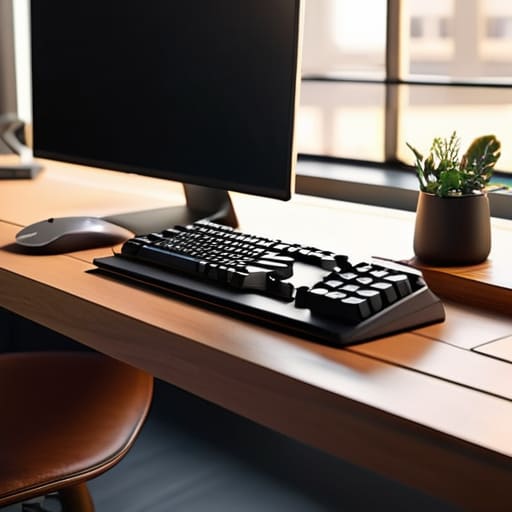
I’ve spent enough years in corporate operations to know that most people don’t have a time management problem; they have a friction problem. We tend to mistake “busy” for “productive,” filling our desks with shiny new tech that actually ends up creating more digital noise rather than silencing it. I’ve seen countless professionals fall into the trap of buying every trending device, only to realize they’ve just added more maintenance to their already overflowing plates. If you are searching for the best productivity gadgets, you need to stop looking for magic wands and start looking for tools that actually reduce the mental load of your daily workflow.
In this guide, I’m cutting through the marketing fluff to bring you five specific, battle-tested items that I personally rely on to keep my systems running smoothly. These aren’t just gadgets for the sake of having them; they are intentional investments designed to protect your focus. I will show you exactly which tools provide a genuine return on investment and which ones are just expensive distractions masquerading as progress. Let’s get straight to the gear that actually works when the Tuesday afternoon chaos hits.
Table of Contents
The Mechanical Keyboard That Actually Works
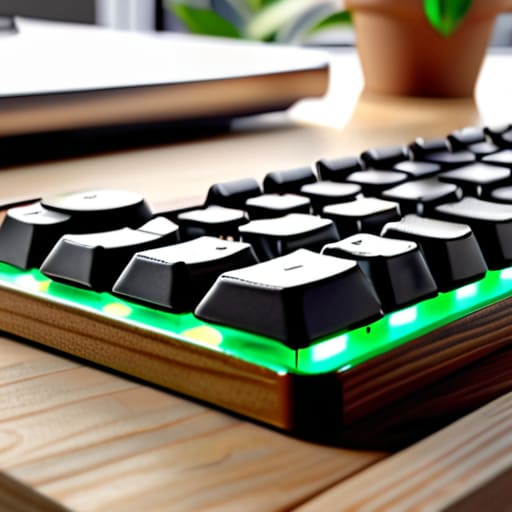
I spent years typing on those flimsy, mushy laptop keys that feel like pressing into wet sponges. It sounds like a niche preference, but a high-quality mechanical keyboard is about reducing physical friction. When the tactile feedback is consistent, your typing speed stabilizes and your error rate drops. I personally prefer something with a subtle click—not the obnoxious kind that makes your neighbors want to move—but enough to let your brain register the input without second-guessing.
Noise-Canceling Headphones for Deep Work

There is a specific kind of mental exhaustion that comes from trying to focus while a neighbor is mowing their lawn or a colleague is having a loud conversation in the next room. I’ve found that active noise-canceling headphones are my most effective boundary-setting tool. They don’t just block out sound; they create a portable, private office wherever you happen to be sitting.
A High-Capacity Power Bank
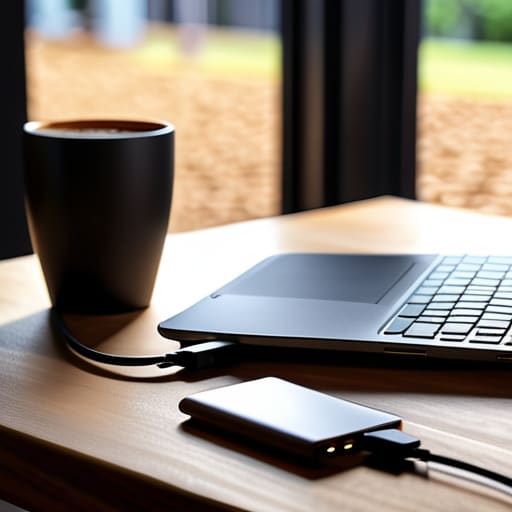
Nothing kills a productive momentum quite like seeing that “10% battery remaining” warning right when you’re in the middle of a critical task. I’ve learned the hard way that relying on finding an available wall outlet is a recipe for anxiety. A slim, high-capacity power bank in your bag is the digital equivalent of having a spare set of keys; it’s something you hope you don’t need, but you’ll be incredibly relieved when you do.
An Ergonomic Vertical Mouse
If you’ve ever finished a long workday with a dull ache in your wrist, you aren’t alone. Most standard mice force your forearm into a twisted, unnatural position that leads to long-term strain. Switching to a vertical mouse was one of the most immediate physiological wins I’ve implemented in my home office. It allows your hand to rest in a natural “handshake” position, which significantly reduces muscle tension over time.
A Dedicated Task Timer
Digital notifications are the enemy of deep work, but sometimes we need a way to track time without looking at our phones and falling down a social media rabbit hole. I am a huge proponent of using a physical, dedicated timer rather than a phone app. A simple, non-distracting timer allows you to use time-blocking techniques—like the Pomodoro method—without the constant temptation of a glowing screen.
The Bottom Line
Don’t buy gear for the sake of a “setup”; only invest in tools that solve a specific, recurring friction point in your actual workflow.
If a gadget requires a steep learning curve or constant maintenance, it isn’t a productivity tool—it’s a second job.
The best system is the one that stays out of your way so you can actually get back to the work that matters.
The Gadget Trap
Most productivity gadgets are just expensive ways to procrastinate; if a tool doesn’t actively reduce your mental load rather than adding a new system to manage, it’s just more clutter in an already crowded life.
Diane Sterling-Voss
The Bottom Line
At the end of the day, the goal isn’t to build a high-tech fortress around your desk; it’s about selecting a few reliable tools that actually reduce friction. Whether you’re investing in a high-quality mechanical keyboard to improve your typing flow or a dedicated noise-canceling headset to reclaim your focus during a chaotic afternoon, the principle remains the same: if a gadget doesn’t solve a specific problem, it’s just more digital clutter. Don’t fall into the trap of buying gear for the sake of “optimization” if it doesn’t directly translate into saved mental bandwidth.
Remember, the most sophisticated system in the world won’t work if it ignores the messy reality of your actual life. A tool is only as good as the time it gives you back. Use these gadgets to automate the mundane and quiet the noise, but never let the pursuit of perfect efficiency become another chore on your to-do list. My hope is that by streamlining these small, repetitive tasks, you find yourself with more energy for the things that truly matter—the projects that excite you and the people who keep you grounded. Focus on what actually works, and let the rest go.
Frequently Asked Questions
Is it worth investing in high-end gear if I'm just working from a kitchen table most days?
Look, I get the temptation to go big, but don’t mistake “expensive” for “effective.” If you’re working from a kitchen table, a $500 ergonomic chair isn’t going to fix a bad setup. Invest in the friction points: a decent external keyboard and a reliable monitor. High-end gear is only worth it if it solves a specific, recurring frustration. Otherwise, you’re just buying expensive clutter that makes your workspace feel even smaller.
How do I stop these new gadgets from becoming just another digital distraction I have to manage?
The trick is to stop treating every new device like a hobby and start treating it like a tool. If a gadget doesn’t have a dedicated, singular purpose in your workflow, it’s just clutter. Before you buy, ask: “Does this solve a recurring friction point, or am I just buying a new way to procrastinate?” If it requires a steep learning curve or constant notification management, leave it on the shelf. Stick to tools that work for you, not the other way around.
At what point does upgrading my setup actually become a waste of time and money?
You’ve hit the point of diminishing returns when the “research” starts feeling like a procrastination tactic. If you’re spending more hours watching comparison videos than actually using your tools to get work done, you’re chasing a phantom. Upgrading is a waste when you’re solving for aesthetic or status rather than friction. If your current setup isn’t physically slowing you down or causing actual errors, leave it alone. Real efficiency isn’t about having the newest gear; it’s about the gear staying out of your way.





